Dogreader app icon
Android Beta · Build 174

Read your books.
Listen whenever you want.

Dogreader is a book and article reader for Android with built-in offline neural narration — plus optional bring-your-own-key support for Google, Azure, Speechify, and Gemini.

Android 8.0+ (arm64) · ~100 MB · Free · No account required

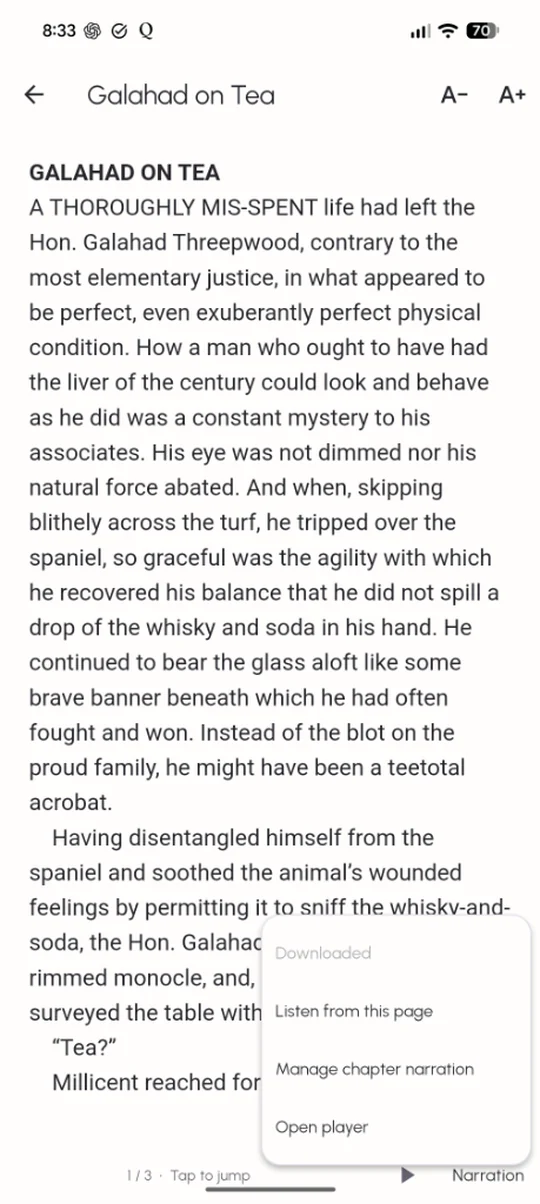
Dogreader EPUB reader showing Listen from this page menu
Read & jump straight into audio
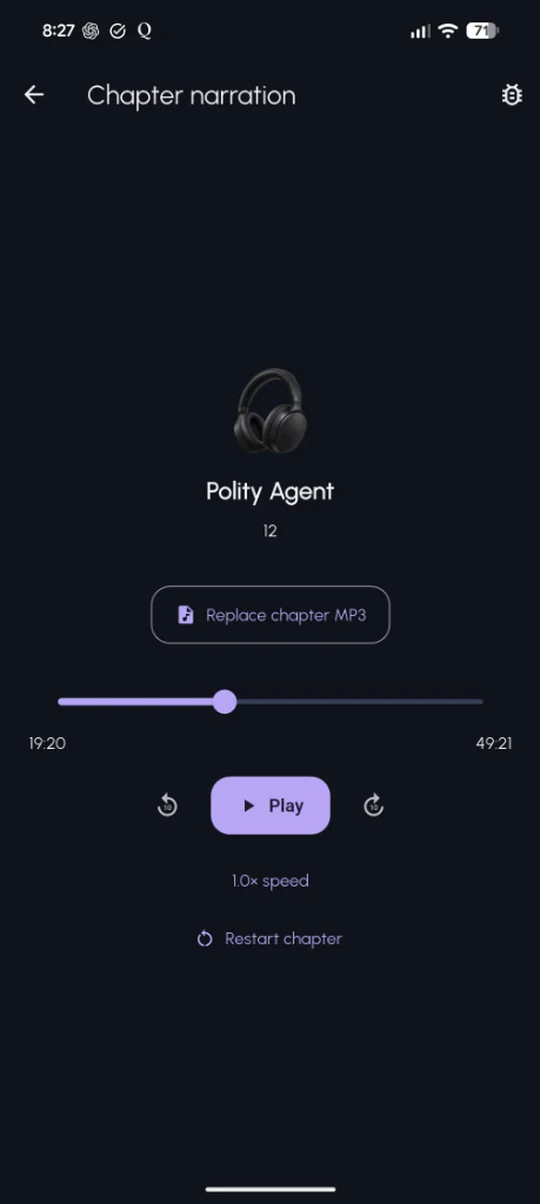
Dogreader dark-mode chapter narration audio player
Dark-mode chapter player
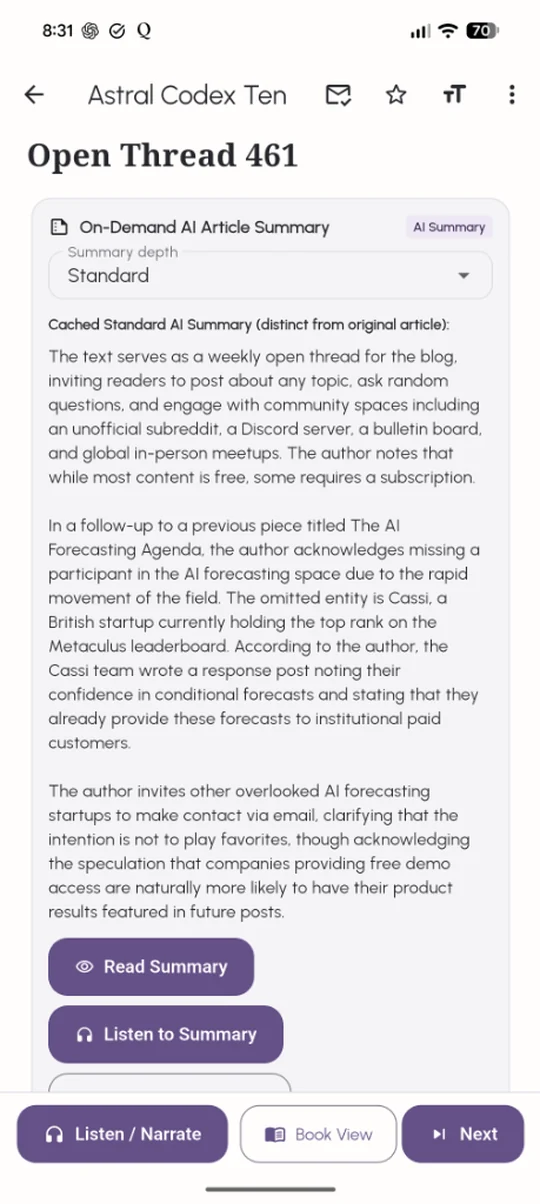
Dogreader on-demand AI article summary with Read and Listen buttons
AI article summaries you can listen to
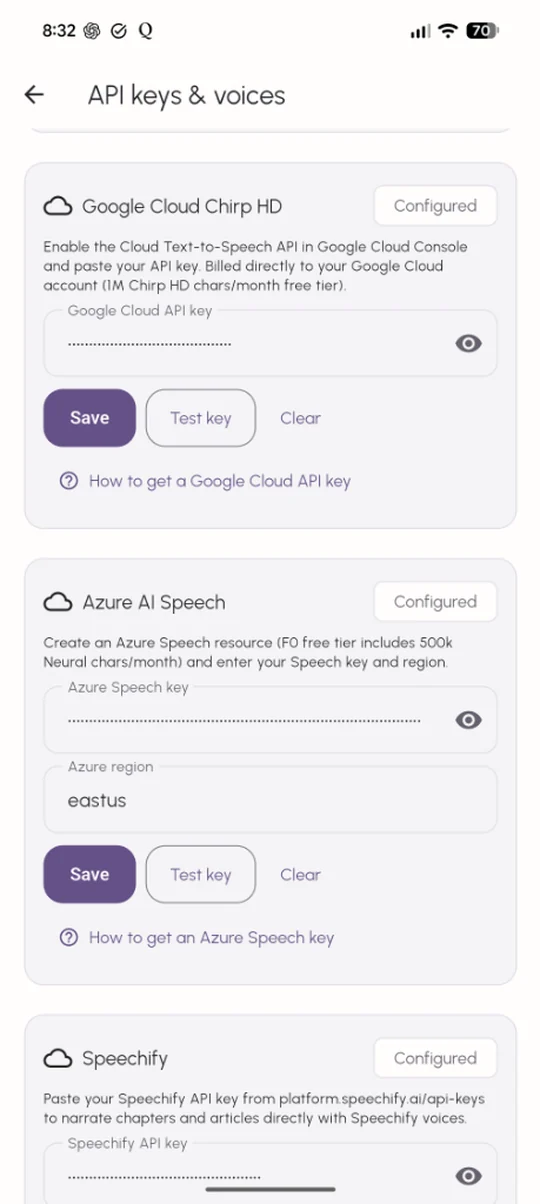
Dogreader API keys and voices screen with Google, Azure, and Speechify
Offline Kokoro or bring your own keys

Built for readers who also listen

EPUBs, RSS & Web Articles

Import your own DRM-free EPUB books, subscribe to RSS feeds, or clip articles with clean typography and preserved scene breaks.

Free Offline Neural Voices

Download the on-device Kokoro voice pack once and narrate chapters completely offline with zero subscription or internet required.

Bring Your Own Cloud Voices

Optionally add your own Google Cloud Chirp HD, Azure AI Speech, or Speechify API key with built-in setup guides and Android Keystore encryption.

Read-to-Audio Sync

Read silently, start listening right from the paragraph you're on, and jump back to reading when you take your headphones off.

Optional AI Summaries

Plug in your own free-tier Gemini API key to generate concise summaries of long articles on your shelf.

Private by Design

No accounts, no ads, no analytics, and no Dogreader servers. Your books, progress, audio, and keys stay strictly on your phone.

How to install the Beta

  1. 1
    Download the APK Tap Download for Android (APK) above on your Android phone.
  2. 2
    Allow install from your browser Open the downloaded file. Because Dogreader is in pre-Play-Store beta, Android will ask once to allow installs from Chrome (or your browser) — tap Settings → Allow from this source, then tap Install.
  3. 3
    Add a book and pick a voice Import an EPUB or add an RSS feed. Tap the headphones icon to download the free offline Kokoro voice, or open Settings → API keys & voices to connect your own cloud key.
Sending feedback? Let me know what phone you're on and what felt great (or clunky) — or open a note on GitHub Issues.